

School newsletters & PDFs
Term dates, inset days, and multi-date PDF letters turned into clear calendar entries.
Works with Virgin Media
Connect your @virginmedia.com, @blueyonder.co.uk, or @ntlworld.com inbox in Nuet. School newsletters, club schedules, and PDFs are picked up in the background and placed onto the calendar you already use.

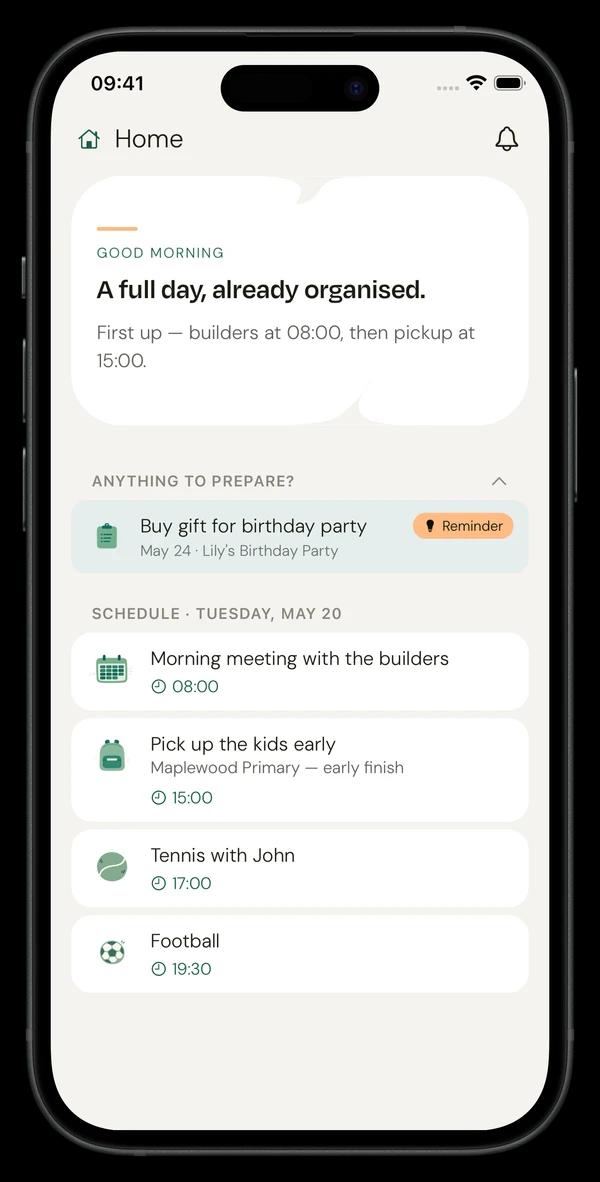
Many UK parents run family admin on a @virginmedia.com, @blueyonder.co.uk, or @ntlworld.com address. Virgin Media Mail has no shared family calendar and does not read school PDFs for you.
Guided setup in two minutes using a Virgin Media Mail app password.
Sign in to My Virgin Media, open Account settings, and generate a new Virgin Media Mail app password (separate from your My Virgin Media account login).
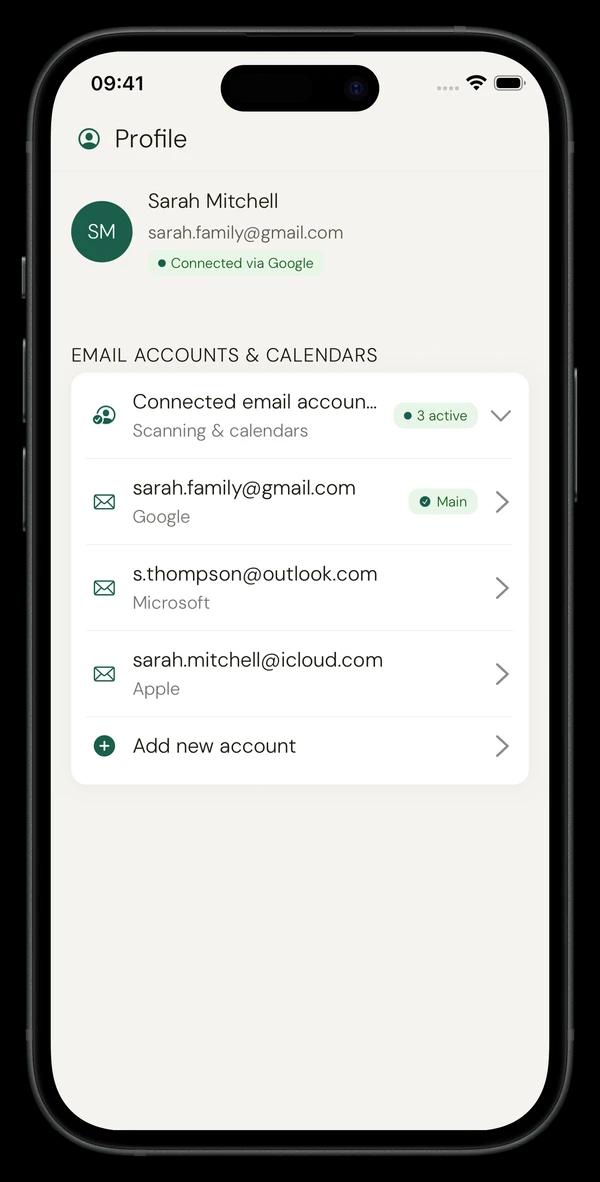
Enter your @virginmedia.com, @blueyonder.co.uk, or @ntlworld.com address and paste your app password. Nuet picks up dates, times, and deadlines from incoming emails and PDFs.
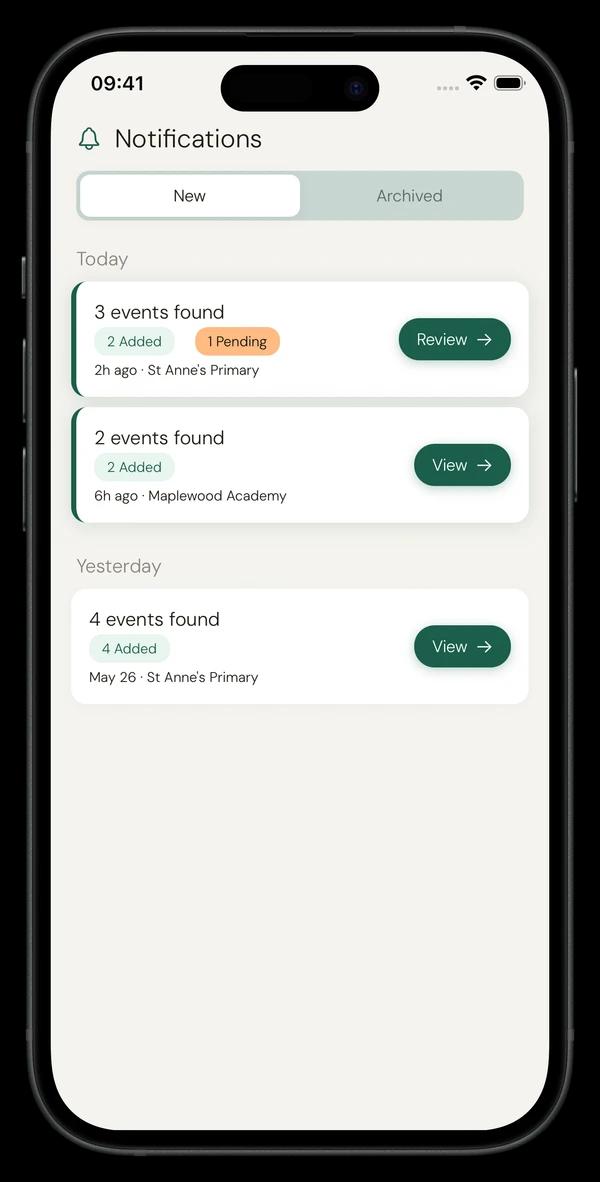
Events land in Nuet and sync straight onto your Google Calendar, Apple Calendar, or Outlook if you connect one.
Built for UK parents managing school and club admin.
Term dates, inset days, and multi-date PDF letters turned into clear calendar entries.

School alerts arriving in your Virgin Media inbox are picked up alongside attachments.

World Book Day, PE kits, and permission slip deadlines shown days before they pass.
Legacy @blueyonder.co.uk and @ntlworld.com addresses connect with the exact same guided flow.
Virgin Media has no calendar to connect, so Nuet sends events to Google, Apple, or Outlook.
Even if one parent uses Virgin Media and the other uses Gmail or Outlook, both inboxes stay covered.
“This app has genuinely changed my life. It's taken away so much of the mental load of trying to remember absolutely everything.”
“I've probably tried 20 other apps for this kind of stuff, and none of them worked as well as this one.”
Quick answers before you download.
No charge for 7 days. Cancel anytime.
No charge for 7 days — cancel anytime