Forward emails
Flight confirmations, school notices, anything with a date.

Your calendar, on autopilot
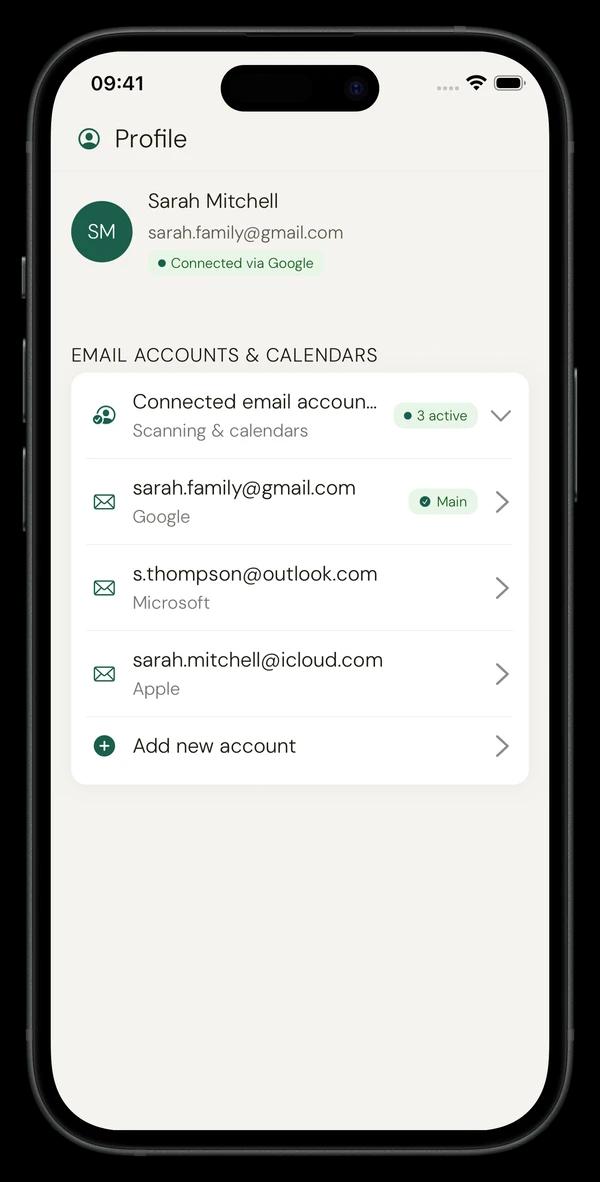
Nuet gathers events from your emails (Gmail, Outlook, iCloud, Yahoo) and WhatsApp groups, then adds them to your calendar — no typing required.
Stop spending Sunday nights copying dates from your inbox.
Three steps. About two minutes.
Gmail, Outlook, iCloud, or Yahoo — as many accounts as you need.
Events, deadlines, and details — nothing else is stored.
Goes straight to the calendar you already use every day.
Not just email — photos, voice, and forwards too.
Flight confirmations, school notices, anything with a date.
iMessage, texts, group chat invites — anything with a date.
Say it or snap it — Nuet handles the rest.
“My calendar just works now. I used to spend Sunday copying dates — now everything just appears.”
“Setup took two minutes. Within a week my calendar had everything from school without me lifting a finger.”
Quick answers before you download.
No charge for 7 days. Cancel anytime.
No charge for 7 days — cancel anytime