

School newsletters & PDFs
Multi-date PDF letters and weekly updates turned into clear calendar entries.
Works with GMX
Connect your @gmx.co.uk, @gmx.com, @gmx.us, @gmx.de, or @gmx.net inbox in Nuet. School newsletters, club fixtures, and attached PDFs are picked up and placed onto the calendar you already use.

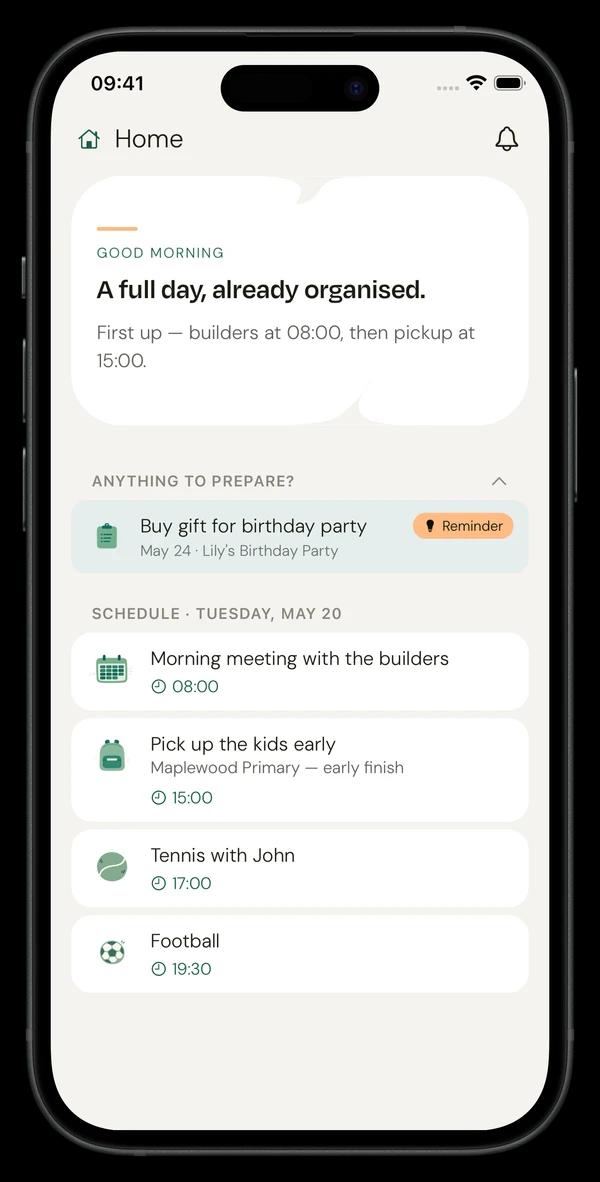
Parents using a @gmx.co.uk or @gmx.com address receive weekly school newsletters, club notices, and PDF attachments that still have to be entered into a phone calendar by hand.
Guided two-minute setup in Nuet.
In a desktop browser (or using Request Desktop Website on mobile), open GMX Email > Settings > POP3 & IMAP, check Enable access to this account via POP3 and IMAP, and tap Save.
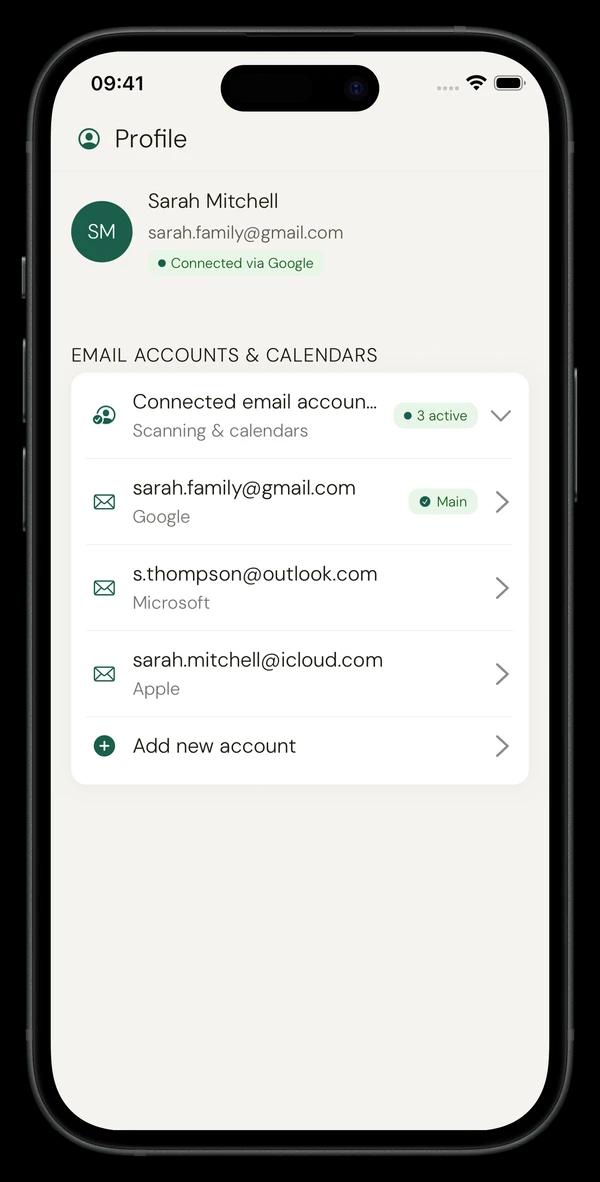
Choose GMX in Nuet and enter your GMX email address and password (or an application-specific password from GMX Security Options if 2FA is turned on).
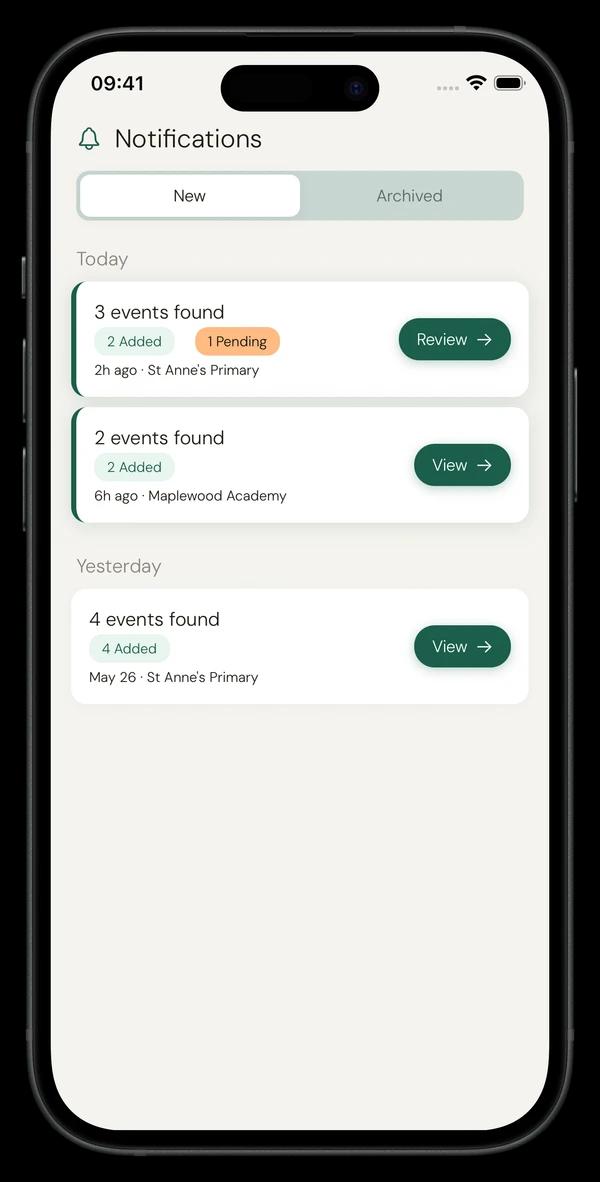
Events land in Nuet and sync straight onto your Google Calendar, Apple Calendar, or Outlook if you connect one.
Built for busy parents managing school and club schedules.
Multi-date PDF letters and weekly updates turned into clear calendar entries.

Works with @gmx.co.uk, @gmx.com, @gmx.us, @gmx.de, @gmx.net, @gmx.at, and @gmx.ch.

Dress-up days, PE kits, and permission slip deadlines surfaced days in advance.
Send extracted events directly to Apple Calendar (iCloud), Google Calendar, or Outlook.
Works with standard GMX passwords or application-specific passwords when 2FA is enabled.
Each parent connects their own inbox on the Family plan and chooses which events to share.
“This app has genuinely changed my life. It's taken away so much of the mental load of trying to remember absolutely everything.”
“I've probably tried 20 other apps for this kind of stuff, and none of them worked as well as this one.”
Quick answers before you download.
No charge for 7 days. Cancel anytime.
No charge for 7 days — cancel anytime