

Smart MX domain detection
Custom domains on Google Workspace, Microsoft 365, iCloud, Fastmail, Zoho, and Fasthosts are recognised automatically.
Works with IMAP & custom domains
Use your own family domain, a regional ISP, or a private mail host? Connect any IMAP inbox to Nuet so school newsletters, PDFs, and club dates land straight on your calendar.
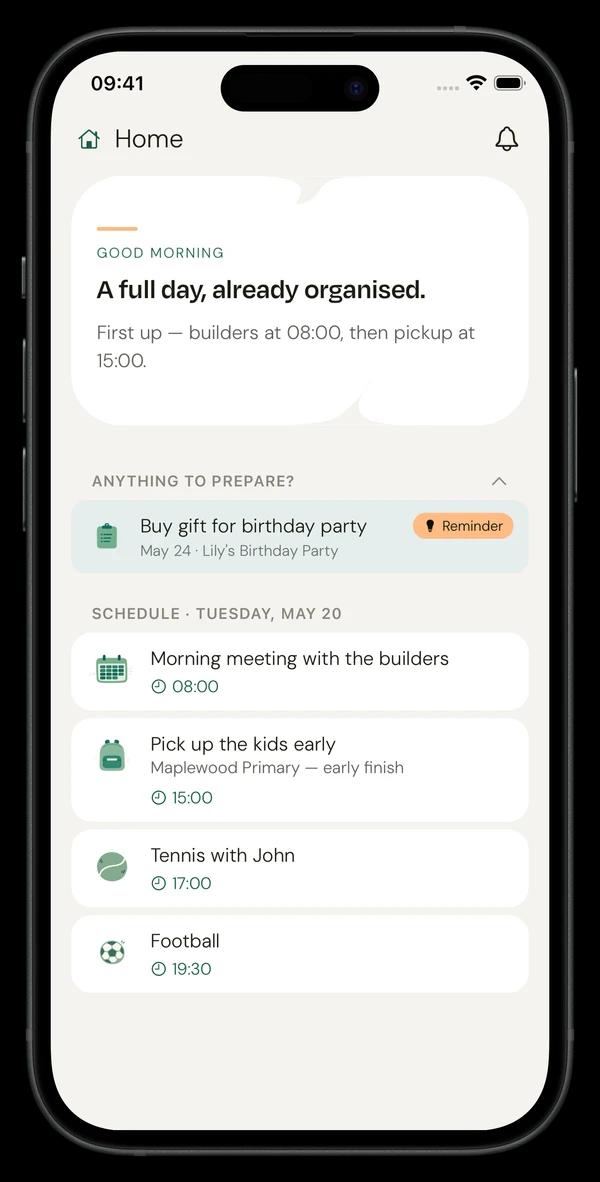
Whether you run a custom family domain on Fasthosts, Zoho Mail, Fastmail, cPanel, or your own IMAP server, school emails still arrive with dates buried in long messages and PDF attachments.
Automatic provider detection or direct IMAP server setup.
Type your custom domain or email address in Nuet. If your domain is hosted on Google Workspace, Microsoft 365, iCloud+, Fastmail, Zoho Mail, or Fasthosts, Nuet detects the right setup automatically.
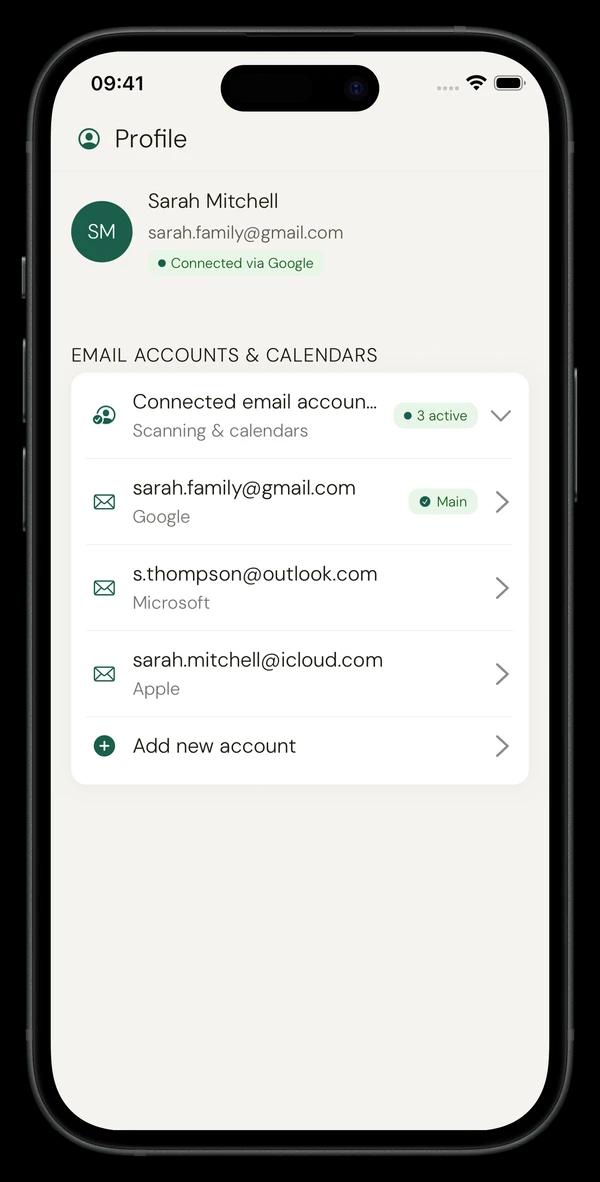
For any other host, choose Other email (IMAP) and enter your IMAP hostname (such as mail.example.com), port (usually 993), SSL/TLS setting, and mailbox or app-specific password.
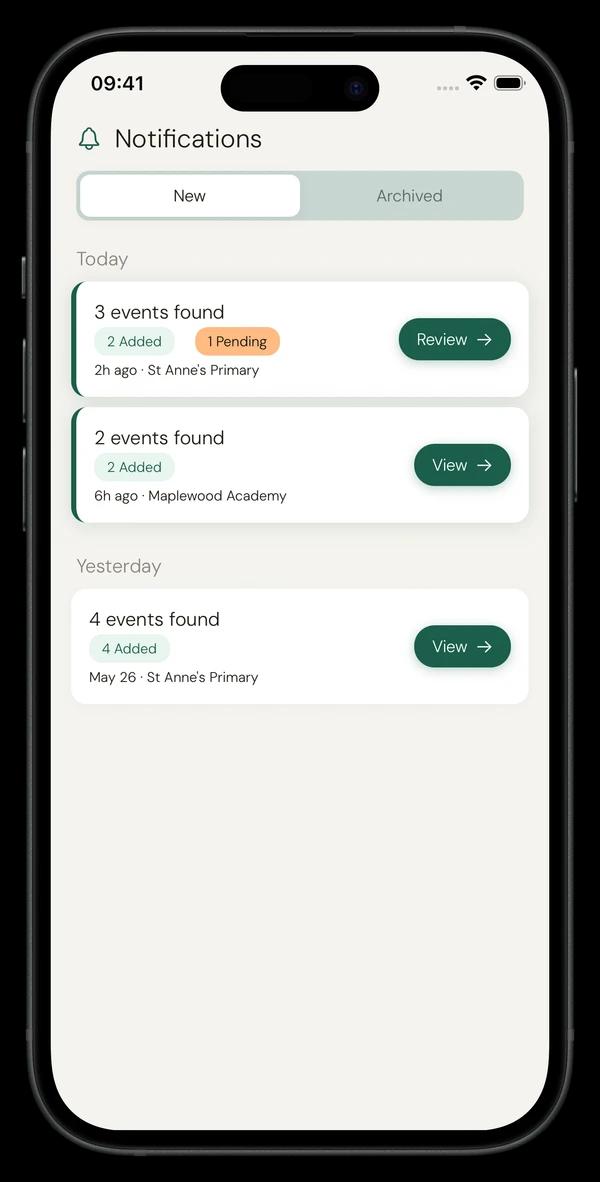
Nuet checks your inbox for dates, deadlines, and PDFs. Events land in Nuet and sync to Google Calendar, Apple Calendar, or Outlook if you connect one.
Guided presets for common hosts plus universal IMAP support.
Custom domains on Google Workspace, Microsoft 365, iCloud, Fastmail, Zoho, and Fasthosts are recognised automatically.

Connect any public IMAP hostname on port 993 (or custom port) with your mailbox or app-specific password.

Dedicated one-screen flows for BT Mail, Virgin Media, Fastmail, Xfinity, Zoho Mail, mail.com, GMX, Fasthosts, and WP.
Attached PDF newsletters, Word documents (.docx), and Excel term sheets are parsed in the background.
IMAP checks your inbox only, while extracted events sync out to Apple Calendar, Google Calendar, or Outlook.
Credentials are encrypted, email content is never stored, and Nuet is CASA Tier 2 certified.
“This app has genuinely changed my life. It's taken away so much of the mental load of trying to remember absolutely everything.”
“I've probably tried 20 other apps for this kind of stuff, and none of them worked as well as this one.”
Quick answers before you download.
No charge for 7 days. Cancel anytime.
No charge for 7 days — cancel anytime