
Term dates & inset days
Extracted from the first newsletter of term — no manual entry.

Works with SIMS Parent
Nuet monitors your inbox for SIMS Parent email notifications and extracts every date, deadline, and event into your calendar. No forwarding. No manual entry. Just connect once.
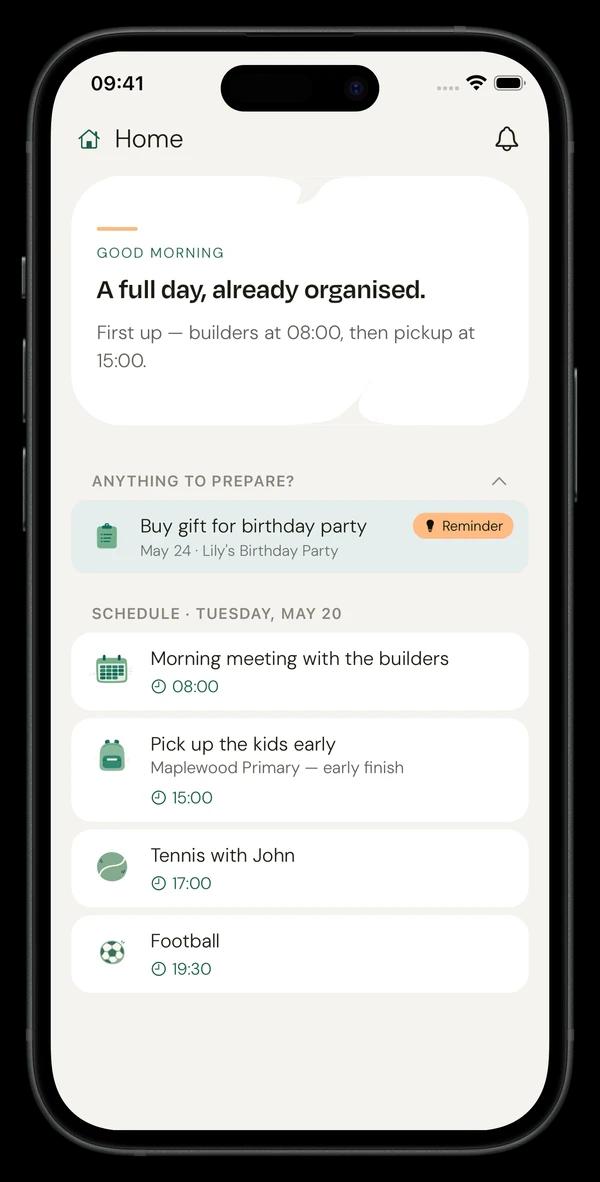
SIMS Parent is great for school communications. The problem is what happens after the notification lands.
Connect your email once. Nuet handles the rest.
Link the email account that receives SIMS Parent notifications. Takes 2 minutes. No changes needed at your school.
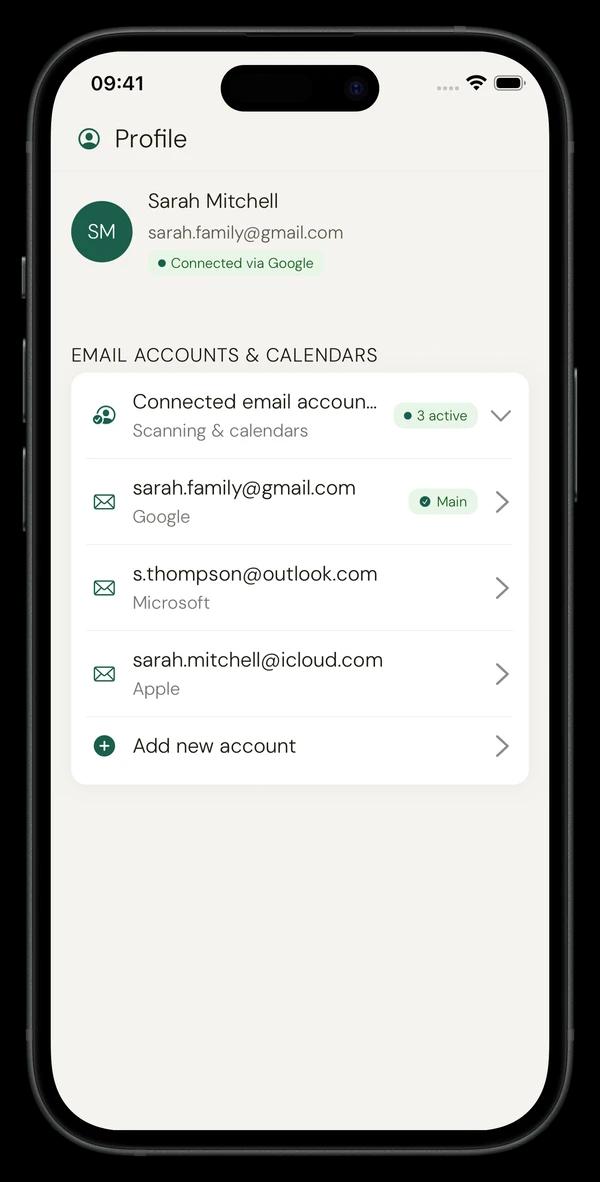
When a SIMS notification arrives, Nuet scans it for dates, times, deadlines, and events.
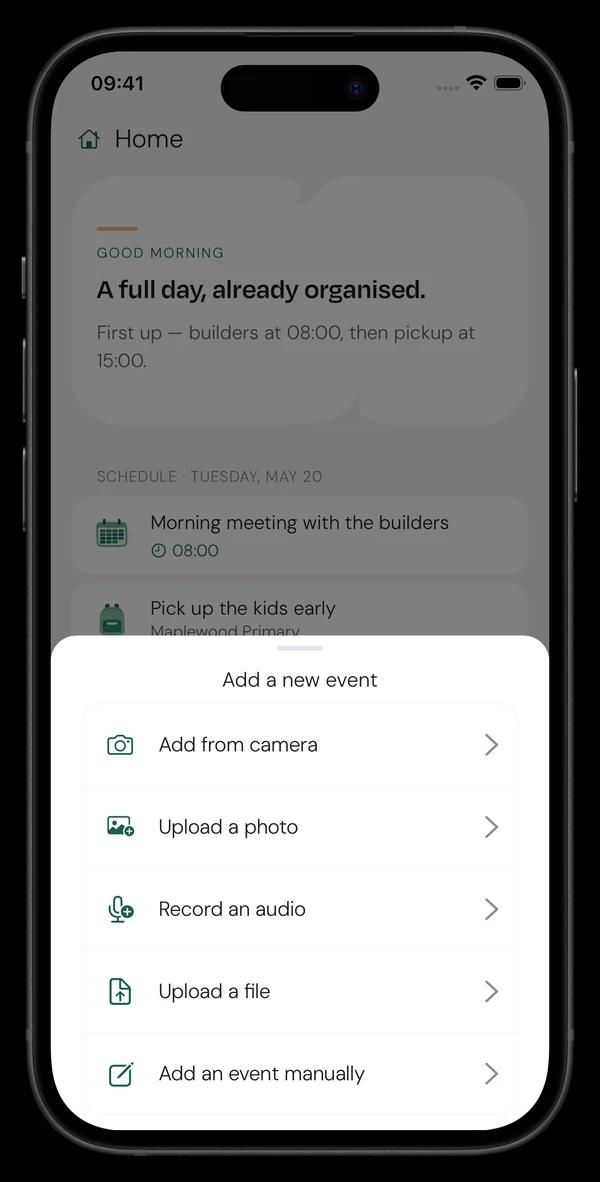
Extracted events sync to your Google Calendar, Apple Calendar, or Outlook. You get a reminder days before — not minutes.
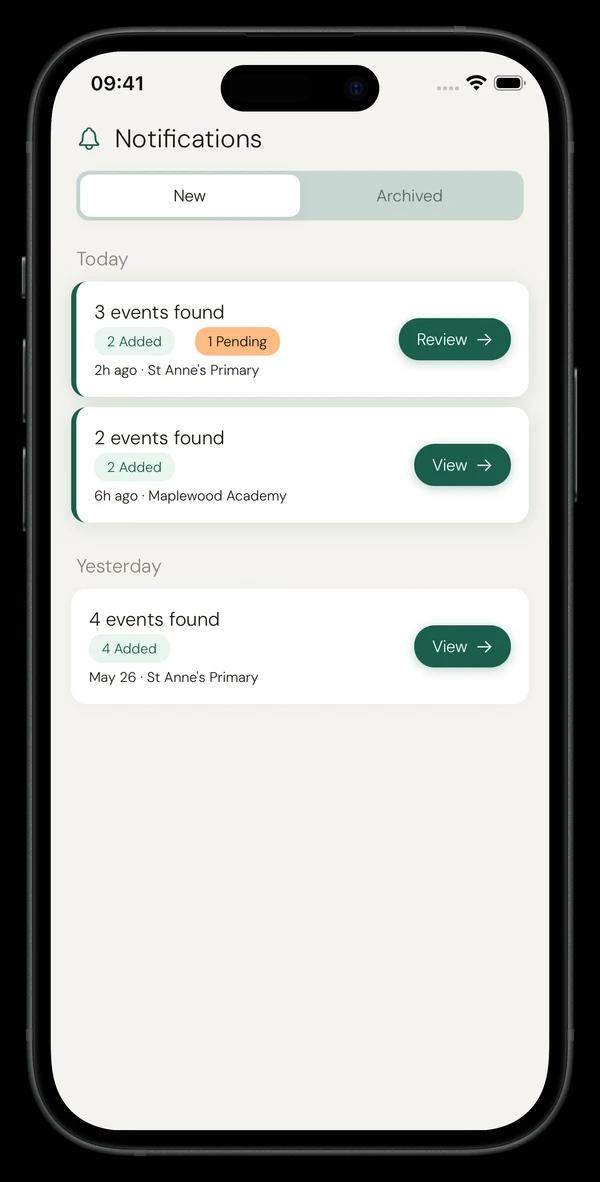
Real examples from parents using Nuet with SIMS Parent.
Extracted from the first newsletter of term — no manual entry.
Date, time slot, and booking deadline captured automatically.

Permission slip and payment due dates surfaced before they pass.

World Book Day and non-uniform days — surfaced before it's too late.
The date everyone forgets until the morning of.
Cake sales, discos, fundraisers — all in your calendar.
If you receive SIMS Parent email notifications, Nuet works. No setup required at the school.
“I used to forget half the dates sent through SIMS. Now Nuet just grabs them for me.”
“My inbox was chaos. Nuet made it manageable — dates just appear in my calendar now.”
Quick answers before you download.
No charge for 7 days. Cancel anytime.
No charge for 7 days — cancel anytime