

Custom domains supported
Use your @fastmail.com address or any custom family domain hosted on Fastmail.
Works with Fastmail
Connect your Fastmail address — including custom family domains hosted on Fastmail — to Nuet. School newsletters, PDF attachments, and club schedules are picked up and placed onto your calendar.
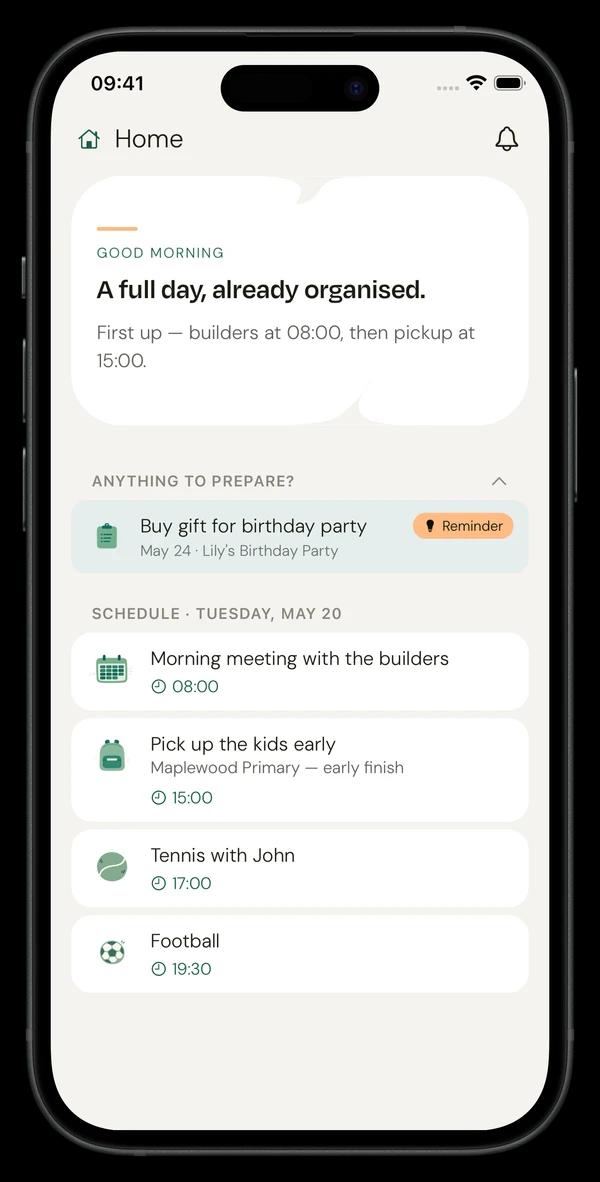
Parents who choose Fastmail care about privacy, speed, and custom domains. Even with clean inbox rules, multi-page school newsletters and club PDFs still have to be read and typed into a calendar.
Guided setup with a Mail-scoped Fastmail app password.
In Fastmail, open Settings > Privacy & Security > Manage app passwords and access. Choose New app password, name it Nuet, and keep access scoped to Mail.
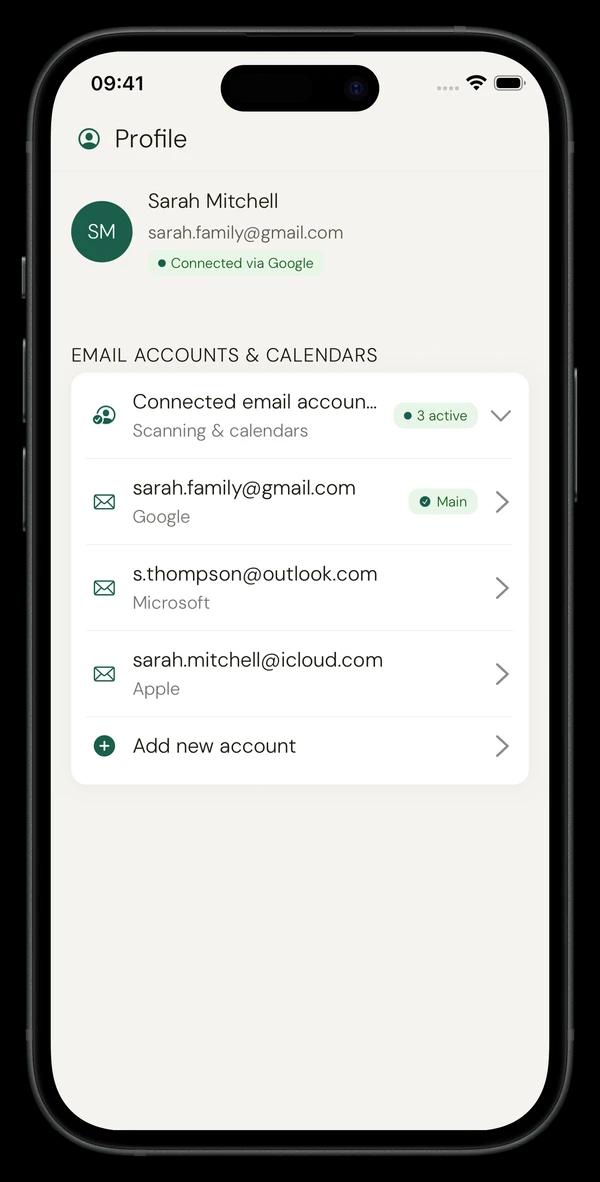
Enter the address Fastmail sends from — @fastmail.com, @fastmail.fm, or your own custom domain — and paste the app password.
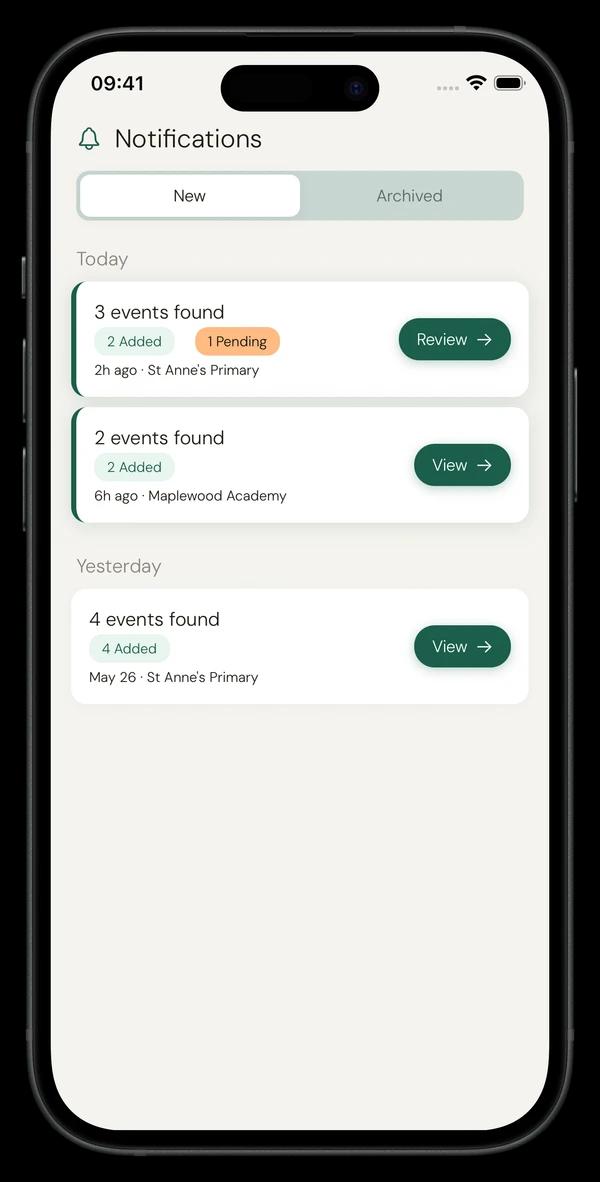
Events land in Nuet and sync straight onto your Google Calendar, Apple Calendar, or Outlook if you connect one.
Scoped access, zero email content storage, and full support for custom domains.
Use your @fastmail.com address or any custom family domain hosted on Fastmail.

Scope your Fastmail app password strictly to Mail and revoke it anytime from Fastmail settings.

Attached PDFs, Word docs, and newsletters are checked for dates and preparation items.
Emails are checked for events in real time and never stored on our servers. CASA Tier 2 certified.
Keep events in Nuet and sync them to Apple Calendar (iCloud), Google Calendar, or Outlook.
Both parents connect their own inbox on the Family plan and choose what to share.
“This app has genuinely changed my life. It's taken away so much of the mental load of trying to remember absolutely everything.”
“I've probably tried 20 other apps for this kind of stuff, and none of them worked as well as this one.”
Quick answers before you download.
No charge for 7 days. Cancel anytime.
No charge for 7 days — cancel anytime