NUET automatically gathers events from emails, messages, photos, and more — organizing everything in one calendar.
Start with the email account where you receive most of your life admin — school newsletters, appointment confirmations, activity schedules. This is where NUET works its magic.
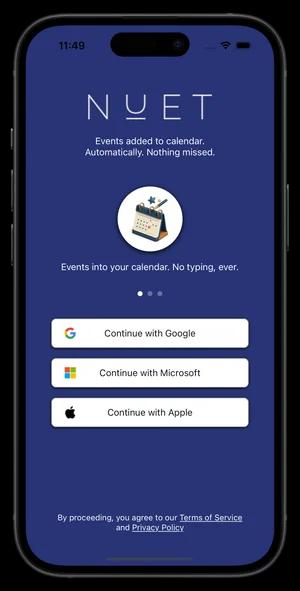
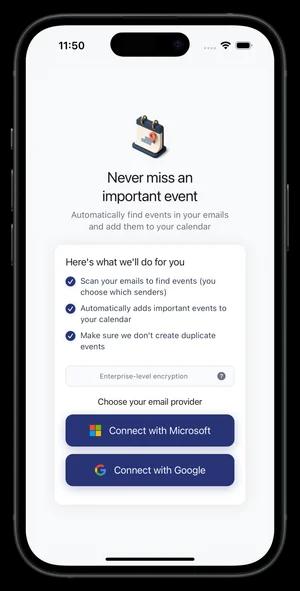
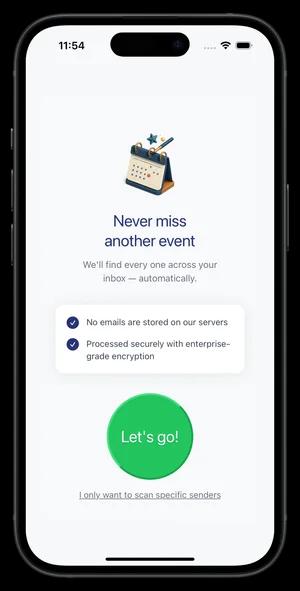
For the best experience, let NUET scan emails from all senders. You'll be surprised what we find — dental appointments buried in confirmation emails, birthday invites from friends, that sports schedule update you forgot about. Our AI surfaces what matters and ignores the noise.
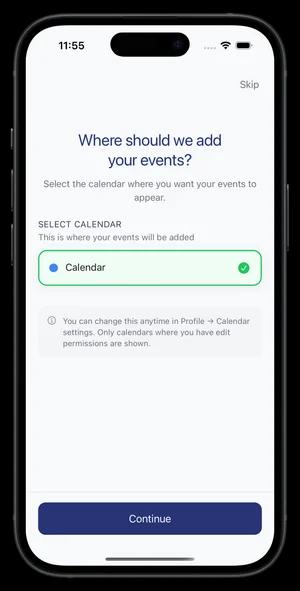
Choose where you want events synced — your personal calendar or a shared family calendar. Either way, everything lands exactly where you need it.
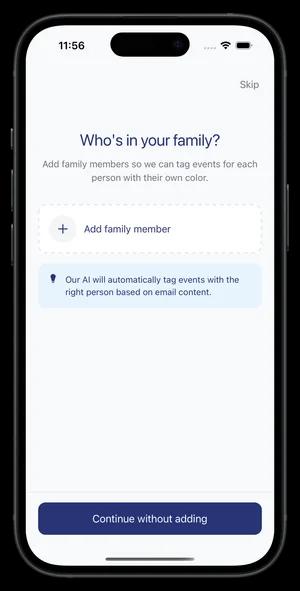
Add your children, spouse, and other family members. NUET will automatically tag events with who they relate to — so you always know at a glance whose activity it is.
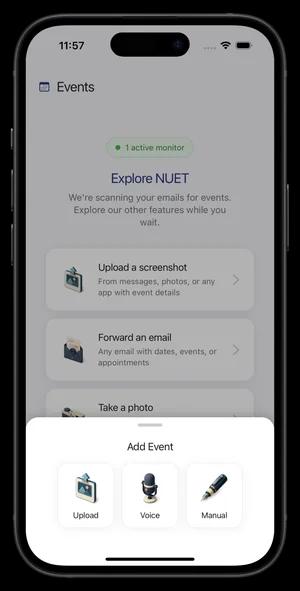
Not everything comes through email. NUET handles it all — photos of flyers, screenshots of WhatsApp messages, PDFs, even voice notes for things agreed verbally.
Tap the "+" button to upload files or record voice notes. Or share directly from any app — just tap Share → NUET.

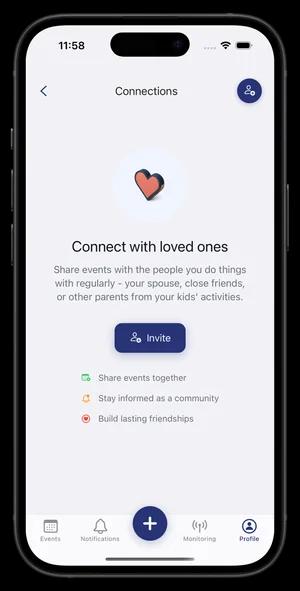
Connect with your spouse or close friends under Profile → Event Sharing. Once connected, sharing an event is just one tap — no more copy-pasting or forwarding screenshots.
Perfect for coordinating pickups, managing shared schedules, or planning activities together.
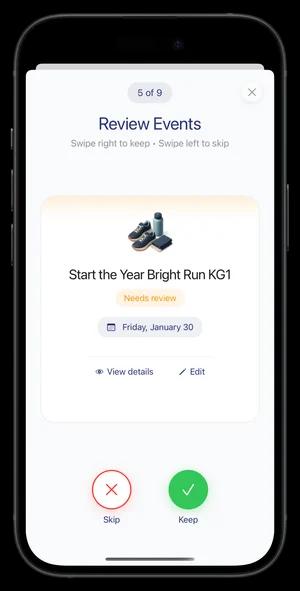
NUET notifies you when new events are found. We intelligently categorize them so you stay in control.
Added — synced to your calendar
Pending — awaiting your review
Skipped — not added to calendar
Only events marked "Added" appear in your calendar. Check your notifications regularly to review Pending events and add anything important.

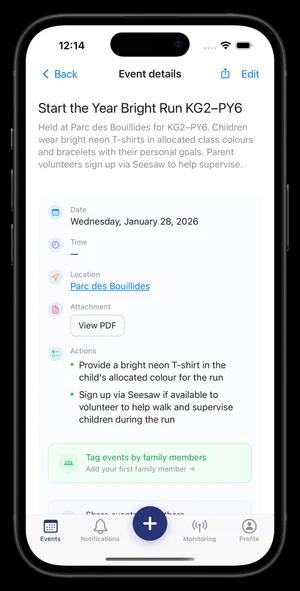
Tap any event to see full details — date, time, location, and any actions required. If it came from an uploaded file, you can view the original PDF or image to double-check the details.
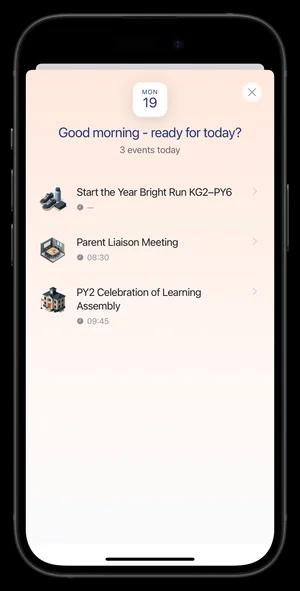
Every morning at 7am, you'll receive a friendly notification with an overview of your day ahead — what's coming up, what needs your attention, and everything you need to be ready.
On Sunday afternoons, we also send a weekly preview so you can plan the week ahead with complete visibility.
Check your notifications regularly to review pending events and make sure everything important gets added to your calendar.
No credit card required · Cancel anytime